Introducing Uniweb
A different way to manage the relationship between content authors and component developers — built on Component Content Architecture.
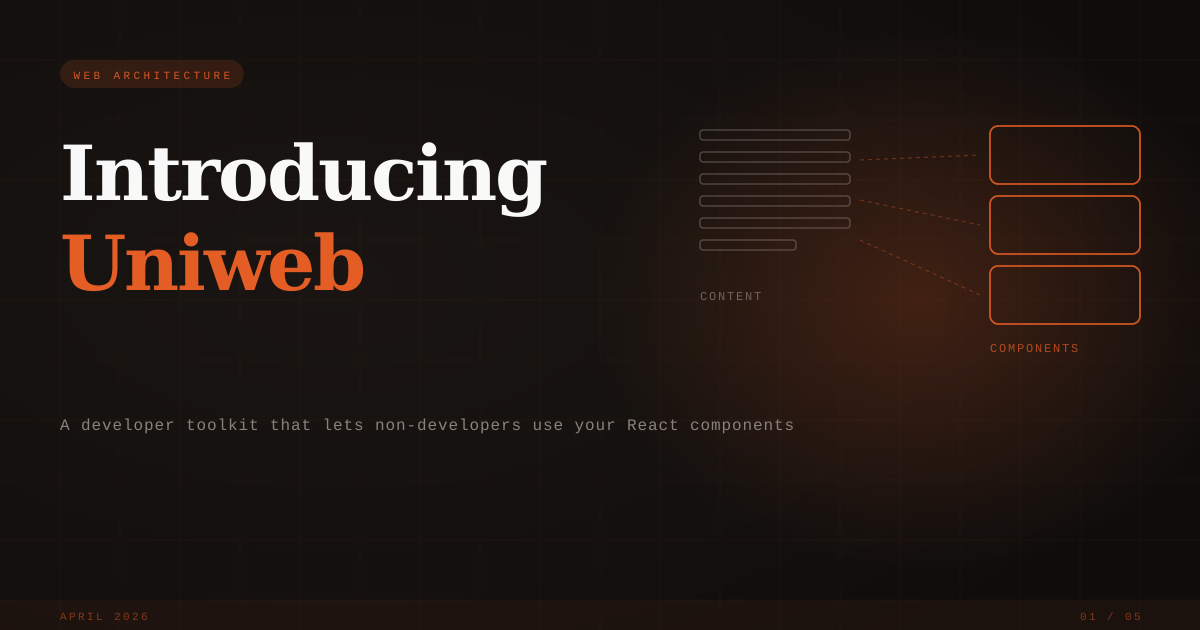
Introducing Uniweb
For years, web teams have navigated an uncomfortable tradeoff: either developers stay in the loop on every content change, or content creators get freedom that gradually erodes the design system.
Website builders optimize for creator freedom—and drift toward inconsistency. Headless CMS keeps content clean—but creators work in abstract forms disconnected from the real page. Traditional CMS couples content to themes until redesigns become migrations.
The missing piece isn't better tools in these categories. It's a different architecture—one that manages the relationship between content and components as a first-class concern.
Uniweb is our implementation of that architecture. It belongs to a category we're naming Component Content System: tools that manage how content becomes pages through components. The underlying pattern—Component Content Architecture—is an open architecture, which means your investment in content and components stays portable.
Here's what that looks like in practice.
What You Get
Every Uniweb project is a workspace with two packages:
my-project/
├── site/                # Content + configuration
│   ├── pages/           # File-based routing
│   └── locales/         # i18n
└── foundation/          # Your React components
    └── src/
        └── sections/
Content authors work in markdown. Component authors work in React. Neither can break the other's work.
A Foundation is your component library—React components with schemas that describe what content they accept and what options they expose. A Site is pure content—markdown files, structured data, configuration, assets. When someone visits a page, Uniweb loads the Foundation, coordinates routing, and renders each content block through the component it specifies.
This separation is enforced by what we call the Capability Boundary: content creators have genuine freedom inside components (content, composition, exposed options), while the system protects everything outside (visual design, component behavior, structural constraints). The boundary is architectural, not policy—creators can't bypass it even if they try.
How It Works
Content authors write natural markdown:
---
type: Hero
theme: dark
---

# Welcome

Build something great.

[Get Started](#)
Frontmatter specifies the component and configuration. The body contains actual content—headings, paragraphs, links, images—which gets semantically parsed into structured data your component receives.
Components are standard React:
export function Hero({ content, params }) {
  const { title, paragraphs, links } = content
  const { theme = 'light' } = params

  return (
    <section className={theme === 'dark' ? 'bg-gray-900 text-white' : ''}>
      <h1>{title}</h1>
      <p>{paragraphs[0]}</p>
      {links[0] && <a href={links[0].href}>{links[0].label}</a>}
    </section>
  )
}
The { content, params } interface is only for section types—the ones content creators select in frontmatter. Other components use regular React props. Import any packages. Use any patterns. Full React capabilities, complex interactions, API calls—whatever the project needs.
Domain Adaptability
A Foundation defines the vocabulary of a site. Change the Foundation, and the system adapts to a different domain:
- A Marketing Foundation provides Hero, Features, Pricing, Testimonials, CTA—and the editor feels like a marketing tool
- A Documentation Foundation provides DocSection, CodeBlock, APIReference—and the editor feels like a docs platform
- An Academic Foundation provides Publications, ResearchAreas, TeamGrid—and the editor feels purpose-built for research sites
The platform stays the same. The vocabulary adapts. This is why we say Uniweb is domain-adaptable: you're not locked into a single use case.
What the System Handles
You focus on your components. Uniweb handles the infrastructure:
- Content preprocessing — Markdown parsed into structured objects before your components see it
- Routing — Pages are folders; create
pages/about/→ visit/about - Data fetching — API and database content fetched before rendering
- Localization — Built-in i18n with hash-based translations
Update a Foundation with a non-breaking improvement, and every site using it gets the update on next page load. Foundations use semantic versioning so sites control their own update strategy.
Foundations Are Portable
The foundation/ folder ships with your project as a convenience, but a Foundation is a self-contained artifact. Sites reference Foundations by configuration, not folder proximity.
| Mode | How it works | Best for |
|---|---|---|
| Local folder | Foundation lives in your workspace | Developing site and components together |
| npm package | pnpm add @acme/foundation | Distributing via standard tooling |
| Runtime link | Foundation loads from a URL | Independent release cycles, platform-managed sites |
Site-first development — You're building a website. The Foundation is your component library, co-developed with the site. Most projects work this way.
Foundation-first development — You're building a component system for others to use. The site is a test harness. The real sites live elsewhere—other repositories, other teams, or managed on uniweb.app.
Open Source and Platform
Uniweb has two sides:
The open-source tooling — CLI, build tools, and runtime. Create projects, build Foundations, deploy anywhere. Apache 2.0 licensed.
npx uniweb@latest create my-site --template marketing
cd my-site
pnpm install
pnpm dev
The managed platform — uniweb.app adds visual editing, dynamic content, team collaboration, and hosting. Your Foundation's components become native to the editor—content creators work on real pages, not abstract forms.
The platform is optional. Local markdown files work great for developer-managed sites. But when you need non-developers to publish independently, the visual editor reads your Foundation's schemas and presents your components as the interface.
The Scaling Path
The structure scales without rewrites:
- Single project — One site, one Foundation. Most projects stay here.
- Published Foundation — Release to npm or uniweb.app. Other sites use it.
- Multiple sites — Several sites share one Foundation. Update once, every site benefits.
- Platform-managed sites — Visual editing on uniweb.app with your Foundation. You develop locally; content teams work in the browser.
For Client Work
Build a Foundation for your clients' needs—your design system as a framework they build on:
- Develop the Foundation locally
- Publish to uniweb.app
- Create the initial site with visual editing
- Transfer ownership to your client
Your client owns their site and builds independently. You maintain the Foundation—improvements propagate automatically.
Try It
# Feature-rich marketing template
npx uniweb@latest create my-site --template marketing

# Multilingual business site
npx uniweb@latest create my-site --template international

# Academic site (researcher portfolios, lab pages)
npx uniweb@latest create my-site --template academic

# Documentation site
npx uniweb@latest create my-site --template docs

# Minimal starter
npx uniweb@latest create my-site
Explore the components. Modify them. See how content flows through. Docs at docs.uniweb.io.
The Bigger Picture
Uniweb implements Component Content Architecture—an open architectural pattern for binding content to components. If you want to understand the architecture deeply, read Component Content Architecture. If you want to understand the category—why this differs from a CMS, a builder, or headless—read Introducing Component Content Systems.
We're early. The tooling is open source. We're building out the ecosystem—better docs, more templates, deeper platform integration.
Build something. Tell us what's confusing or doesn't work. We'd love to see what you make.